Sermon Notes
Capture every sermon insight
A distraction-free editor built for church. Take notes as your pastor preaches, insert Bible verses automatically, and never lose an insight again. Available on iOS, Android, and the web — completely free.
On every device
Take notes on your phone or tablet
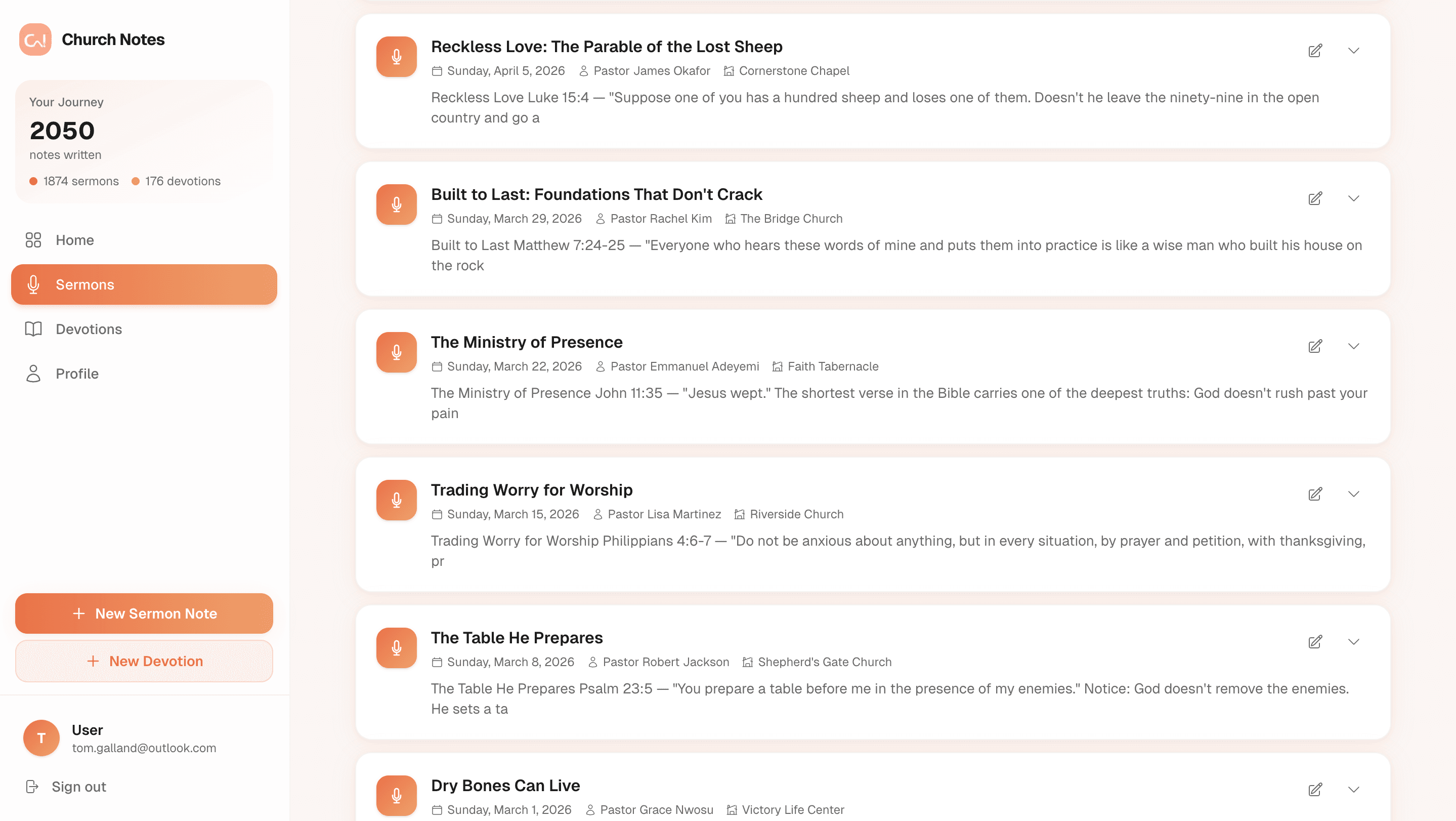
Church Notes works beautifully on iPhone, iPad, Android, and the web. Your sermon notes sync across all your devices so you can start on your phone at church and review on your laptop at home.
Built for church
Everything you need to take better notes
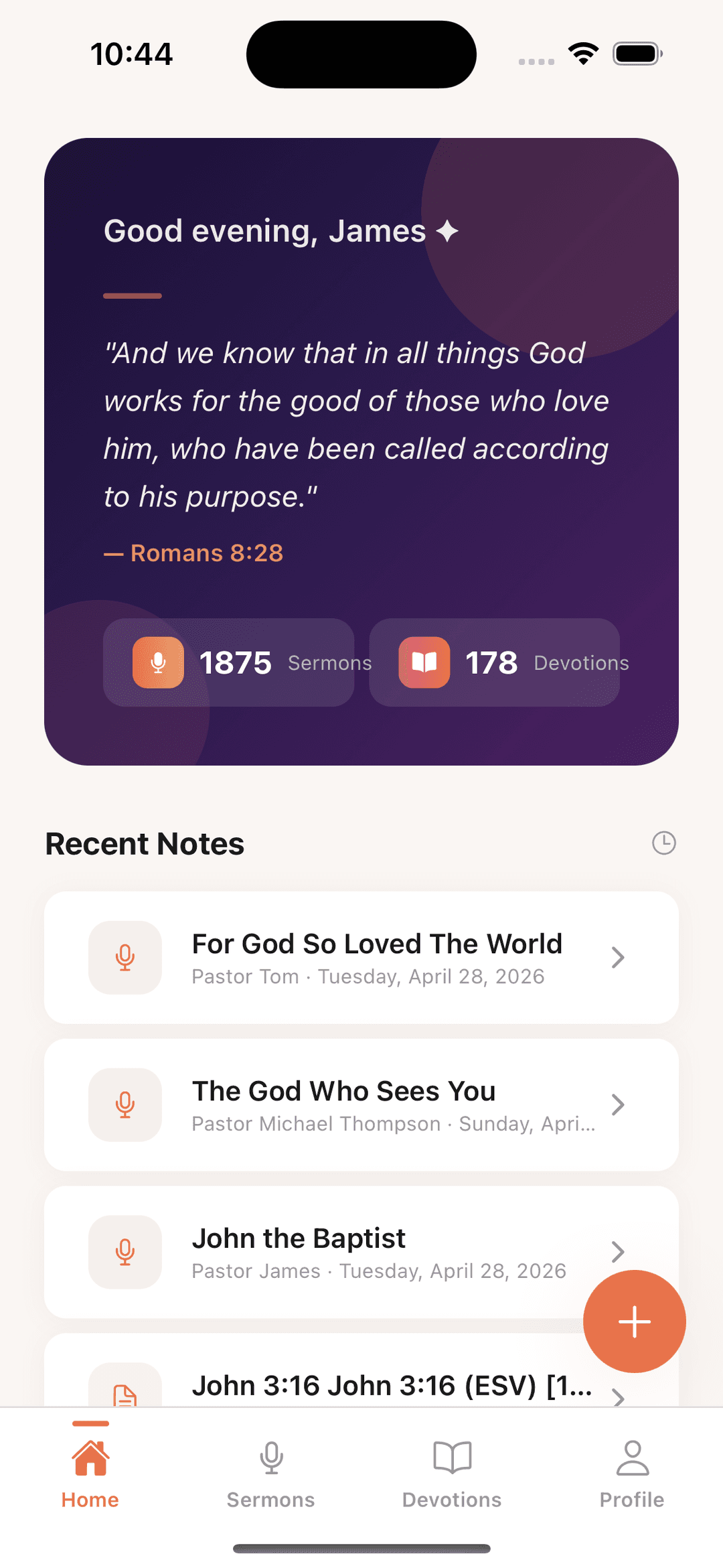
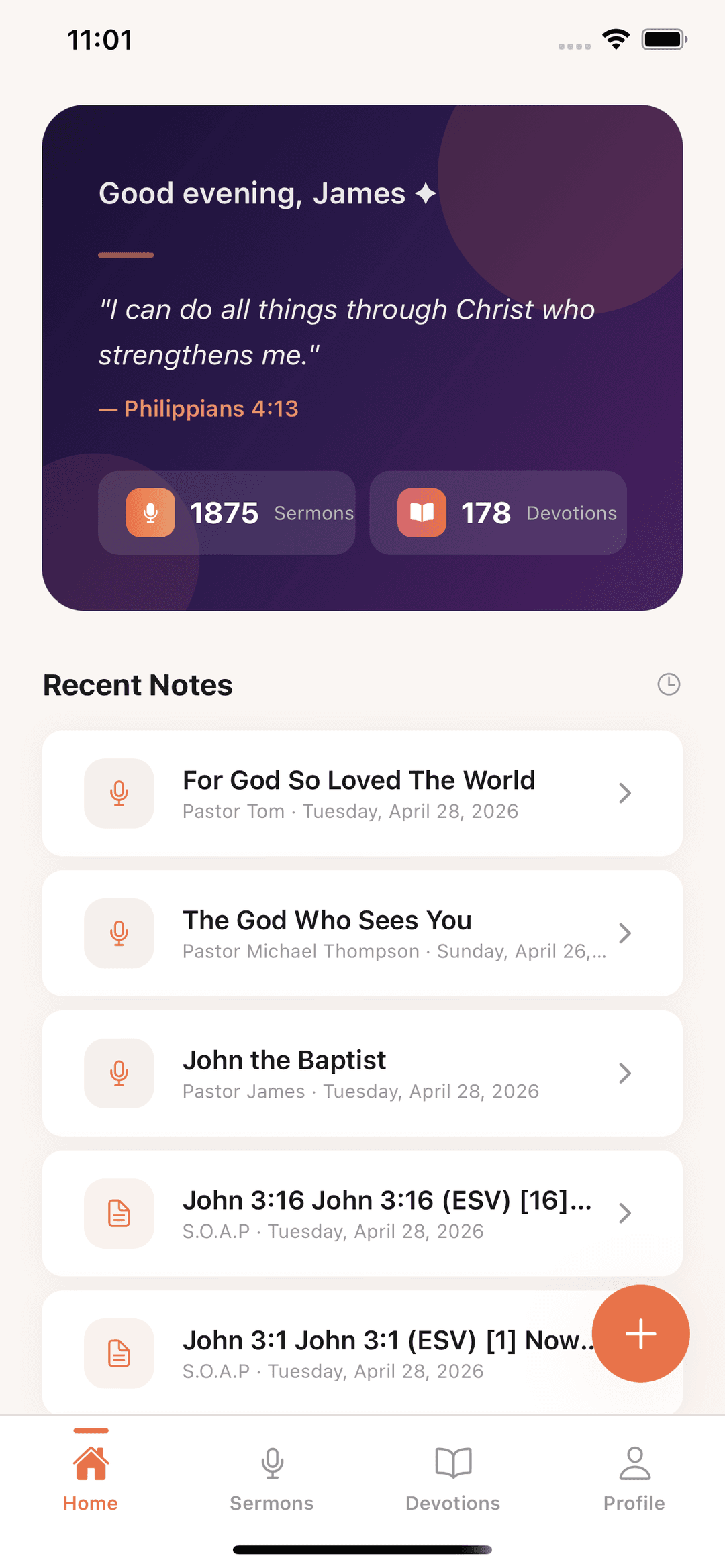
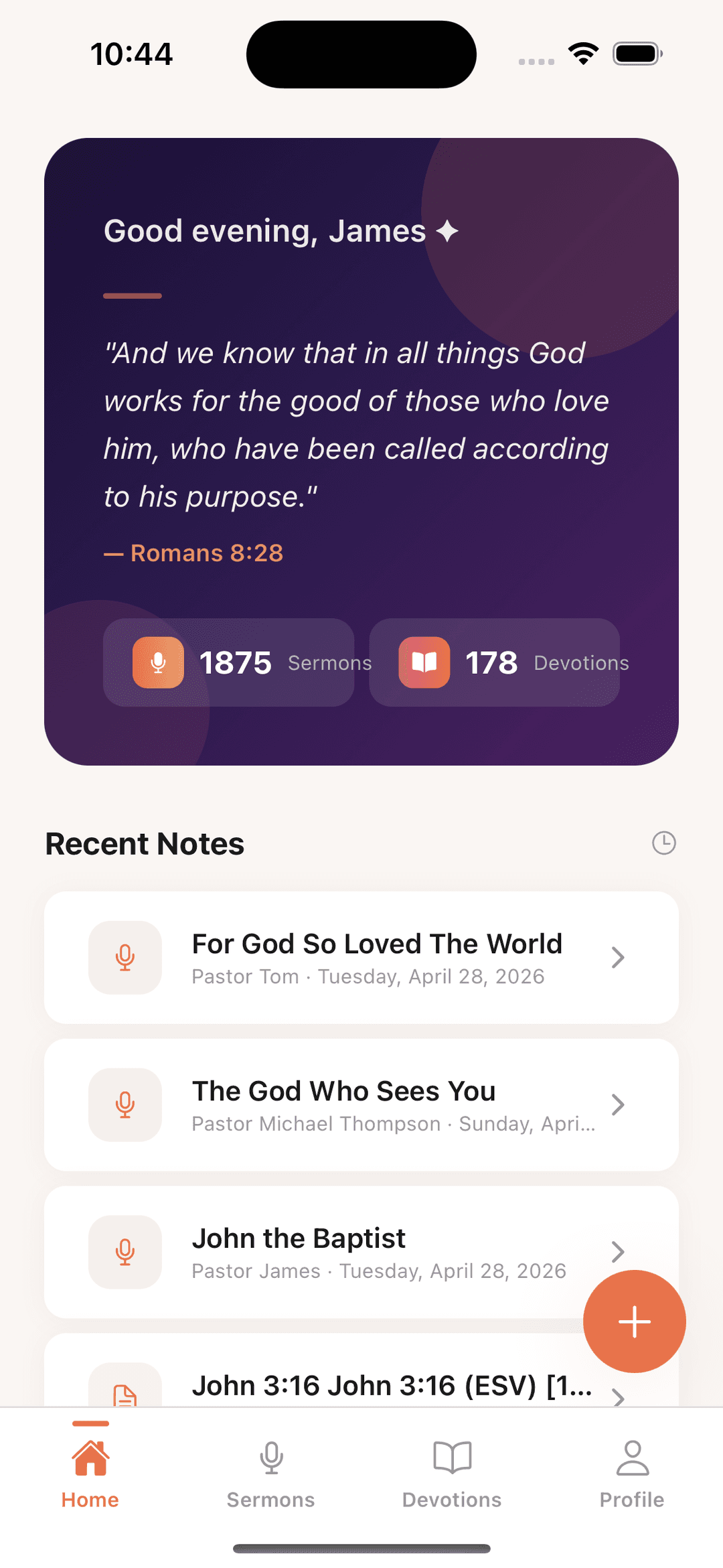
Every feature is designed around how people actually take notes during a sermon — fast, focused, and without fuss.
Distraction-Free Editor
A clean, minimal writing space designed for church. No clutter, no pop-ups — just you and the Word. The editor stays out of your way so you can focus on what your pastor is saying.
Auto-Save & Offline
Your notes save automatically as you type — even without internet. Close the app mid-sermon, come back later, and everything is right where you left it. Notes sync to the cloud when you reconnect.
Auto Verse Insert
Type a Bible reference like Romans 8:28, hit space, and the full verse text appears in your notes. No copy-pasting from another app. Choose from multiple translations including KJV, NIV, ESV, and NLT.
Rich Text Formatting
Bold, italic, headings, bullet points, and more. Format your notes the way you think — highlight key takeaways, create lists of action points, and structure your thoughts clearly.
Organised by Date & Church
Every sermon note is tagged with the date, preacher, church name, and location. Scroll back through weeks and months to revisit past messages and see your growth over time.
Share with Friends
Finished a great sermon note? Share it with your small group, family, or the whole congregation in one tap. Pastors can also share notes with their church using Preach Notes.
See it in action
A clean editor built for worship
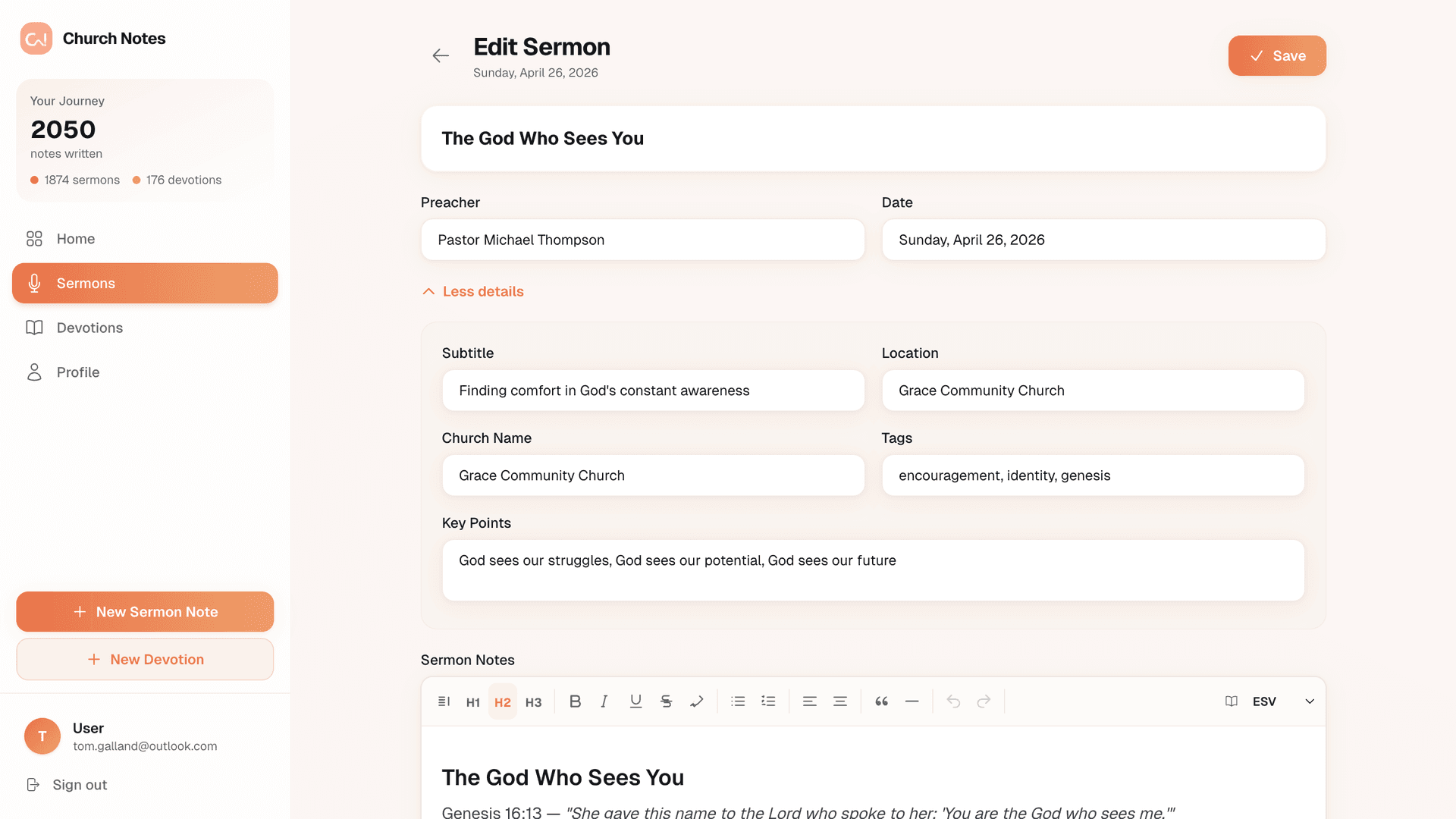
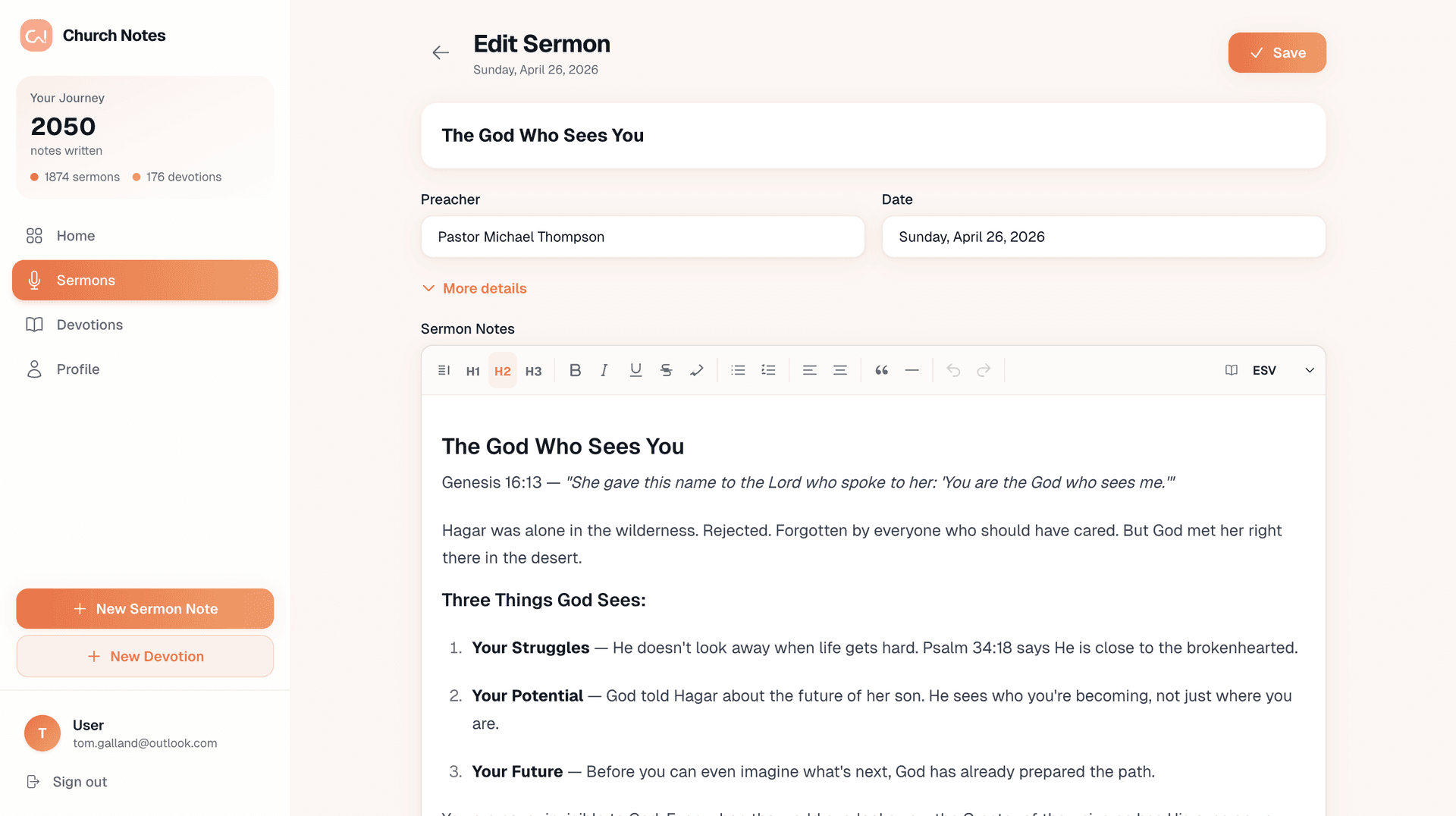
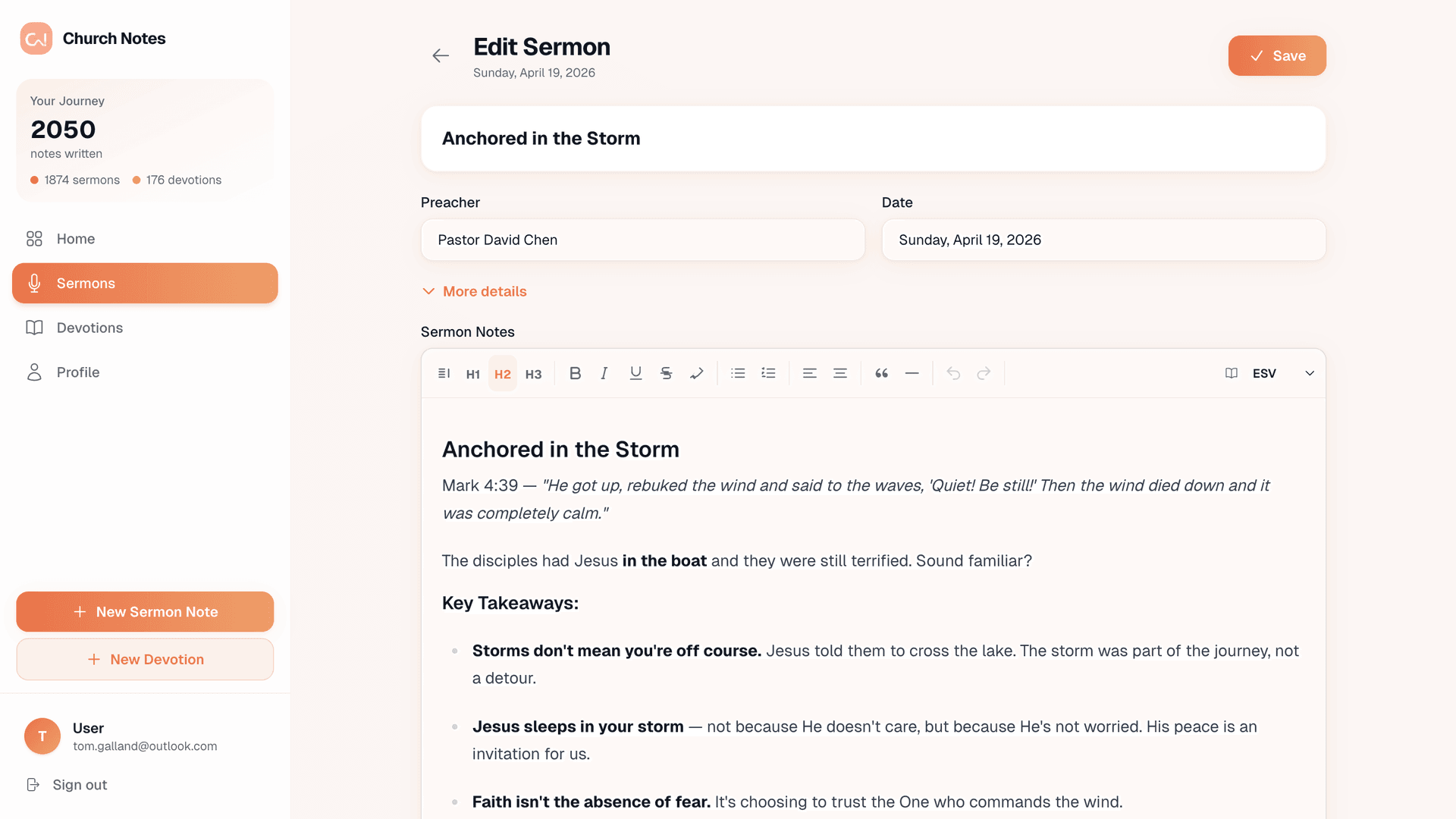
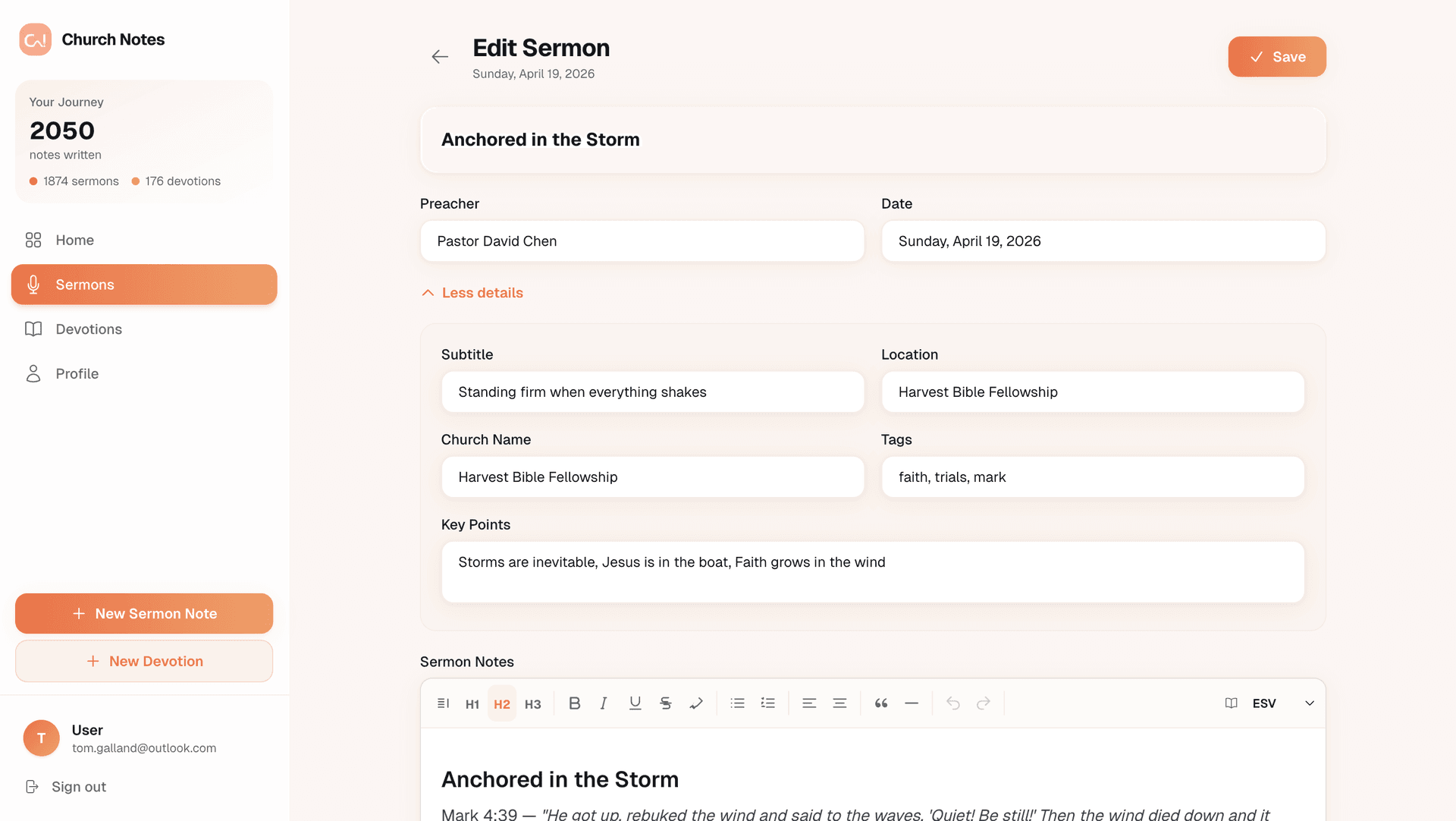
Write, format, and organise your sermon notes with a distraction-free editor. Add metadata like the preacher, date, church name, and key points to keep everything searchable.
How it works
Sunday morning in three steps
Open a new note
Tap the + button and add the sermon title, preacher, and date. The editor opens instantly — ready before the first verse is read.
Type as you listen
Write freely. When your pastor references a verse, type the reference and hit space — the full text appears. Use formatting to highlight key points.
Review & share
After the service, add tags and key points. Share the note with your small group or revisit it during the week to let the message sink in.
Get the most out of it
Tips for better sermon notes
Taking notes during a sermon is a skill. Here are a few tips to help you capture more and remember longer.
Write down the sermon title, preacher name, and scripture references at the top of your note before the message starts.
Use Auto Verse to insert the full text of key passages as your pastor reads them — no need to switch apps.
Jot down personal reflections and action points as the message unfolds. What is God saying to you specifically?
Add key points and tags after the service to make your notes easy to search and revisit later.
Review your notes during the week to let the message sink deeper. Share them with your small group for discussion.
FAQ
Common questions about sermon notes
Can I take notes without internet?
Yes. Church Notes saves your work locally on your device and syncs to the cloud when you reconnect. You never lose a note.
What metadata can I add to a sermon note?
You can add the sermon title, preacher name, date, subtitle, church name, location, key points, and tags. All fields are optional — use as many or as few as you like.
How does Auto Verse work inside sermon notes?
Type any Bible reference (like John 3:16 or Psalm 23:1-6) and press space. The full verse text is inserted automatically in your chosen translation.
Can I share my sermon notes?
Yes. You can share individual notes with friends, family, or your small group. Pastors can also use Preach Notes to share with their entire congregation.
Start taking better sermon notes
Join 50,000+ people using Church Notes — completely free. No hidden fees, no premium tiers.
100% free · No hidden fees · Works offline